
Before the first corner
- Open the lower-left side menu and read the current in-game controls panel.
- Redeem 78REWARD, then try the remaining codes on our dated list.
- Choose one car and leave its setup alone for the first few runs.
- Pick a map and drive a clean route before trying to link drifts.
Group and Premium cash bonuses are listed by the creator. Gamepass multipliers are separate paid products; compare them before spending Robux.
Build one repeatable drift
Use a corner with room for correction. Drive it normally once, then add a short handbrake input on the next run. Counter-steer only enough to keep the car inside the route, and aim for a clean exit before adding more angle.
| Phase | Your job | What to watch |
|---|---|---|
| Approach | Arrive under control | Enough road remains for correction |
| Initiation | Use a deliberate steering/handbrake input | The car rotates without stopping |
| Hold | Balance throttle and steering | The line stays inside the road |
| Exit | Reduce correction and point forward | You carry momentum toward the next corner |
What the game is built around
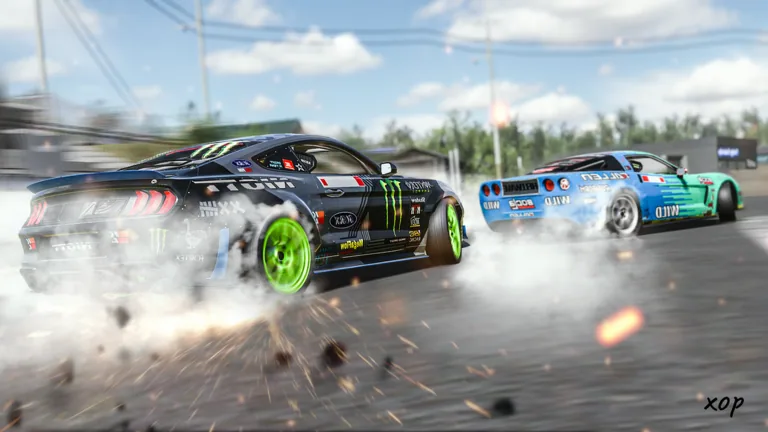
The trailer featured on the official Roblox listing shows close tandem driving, customized cars, and track action. It is a useful 30-second picture of the experience before you join.
Tune after you have a baseline
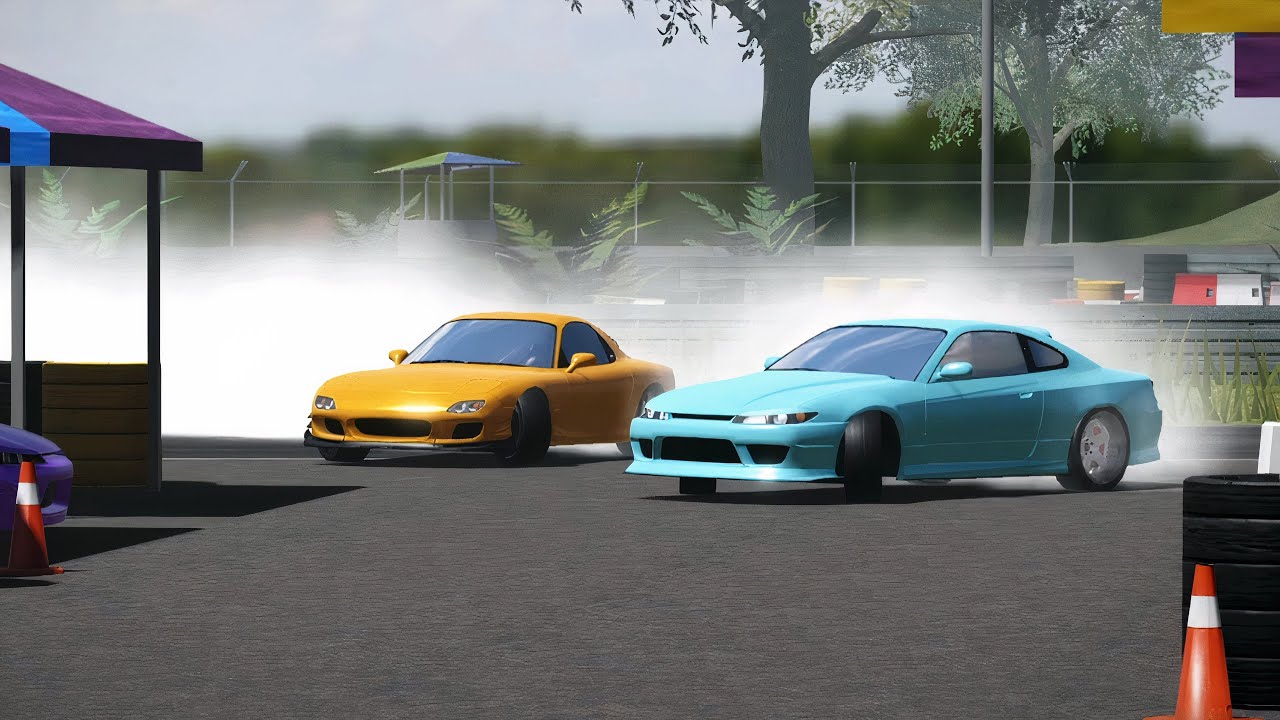
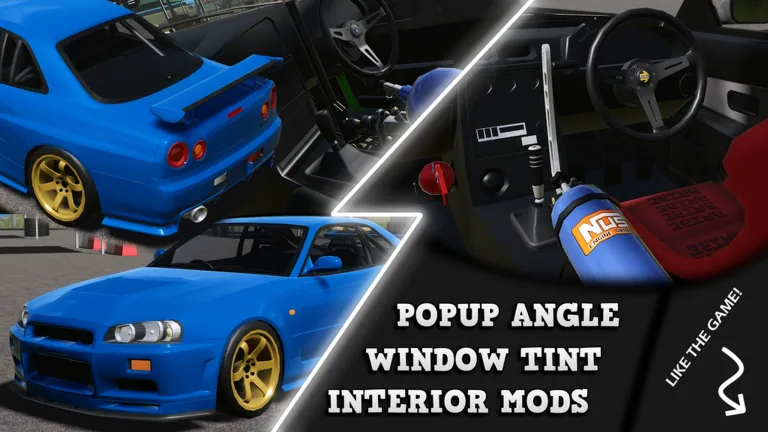
The creator describes thousands of possible builds across a focused car roster. That variety is useful only when you can tell what changed. Keep a short note: car, map, one setup change, and whether entry, hold, or exit became easier.
- Change one setting or part category at a time.
- Repeat the same corner sequence after each change.
- Keep a change only when it solves a specific problem.
- Use our tuning workflow for a cleaner comparison loop.
Fix a choppy session first
If the game is lagging, the official description directs players to the pause menu or in-game settings menu to disable performance settings. Do that before diagnosing your timing—uneven frames can make the same input feel inconsistent.
Leave the pit with a plan
- One car
- One map
- One corner sequence
- One setup change at most
- One clear goal: cleaner entry, steadier hold, or straighter exit